Your cart is empty.

Wireless Digital Chime with Enhanced Compatibility with Reolink Video Doorbell
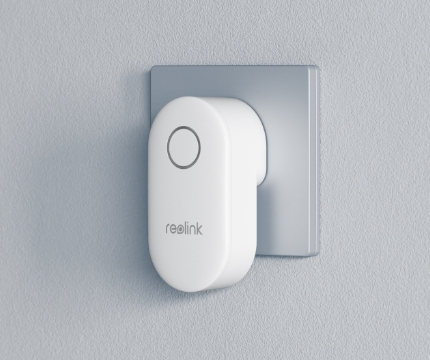
Plug-in Solution
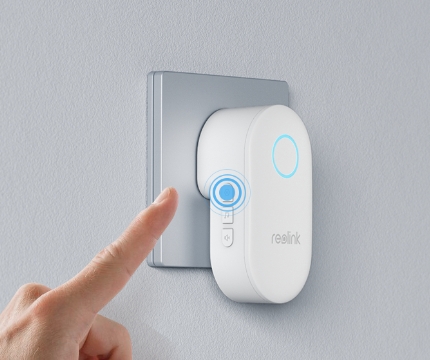
Remote Control
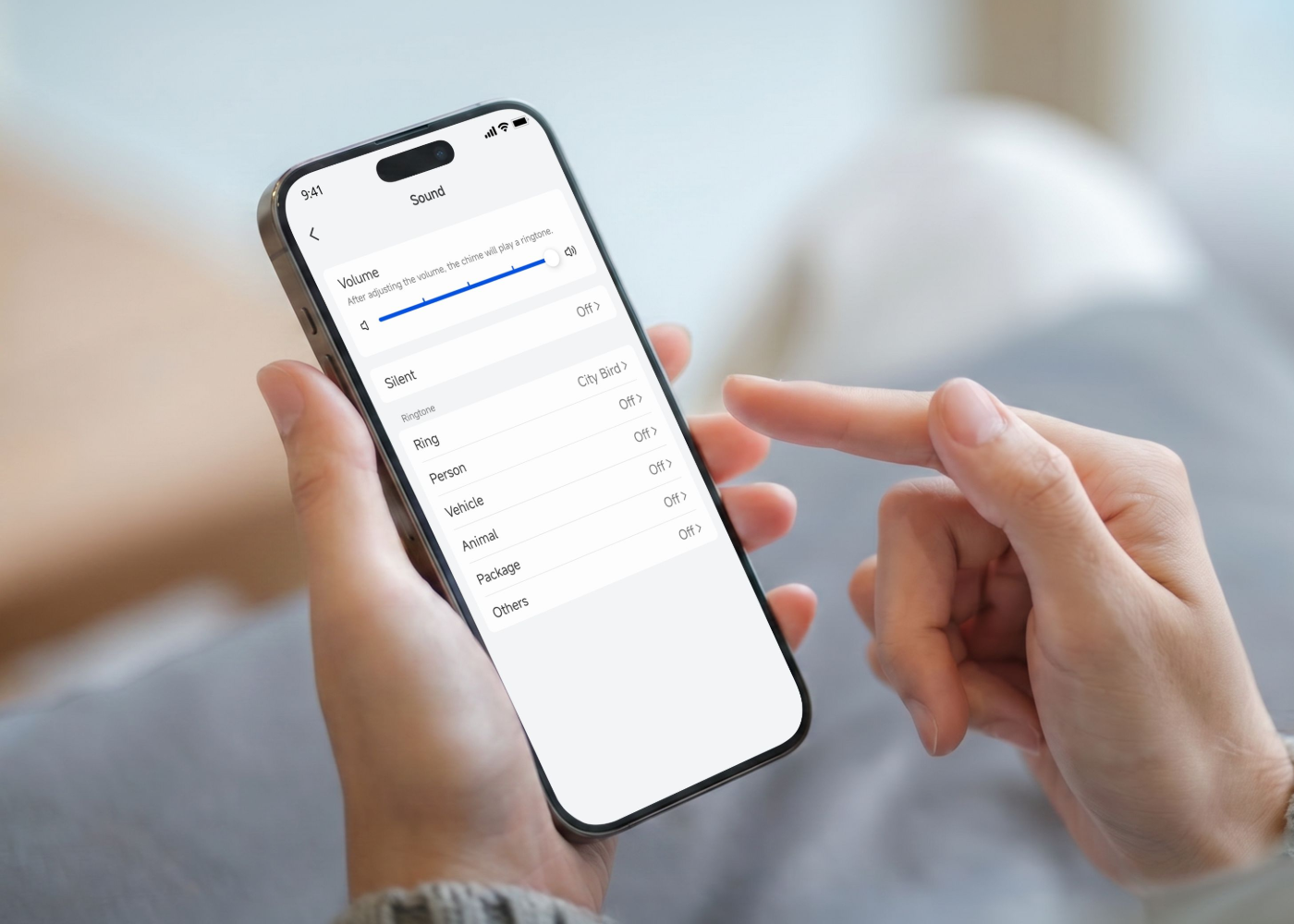
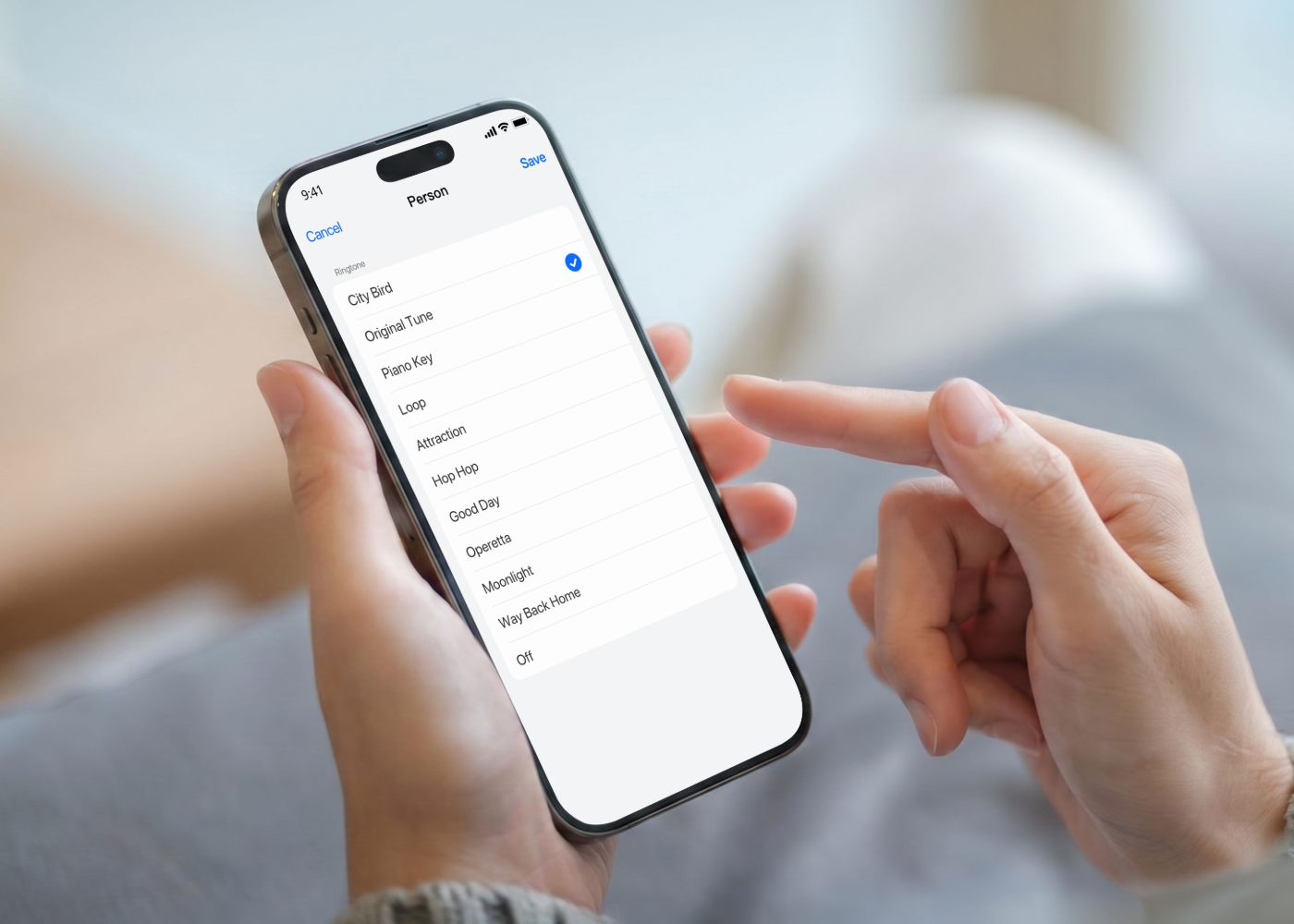
Adjustable Ringtones, Volume & Lights
Works with Reolink Video Doorbells
Receive instant alerts in every room with the Reolink Chime. Whether it's a doorbell press or motion detection, you'll be notified in real time. With this handy tool, rest assured that you will never miss any events.

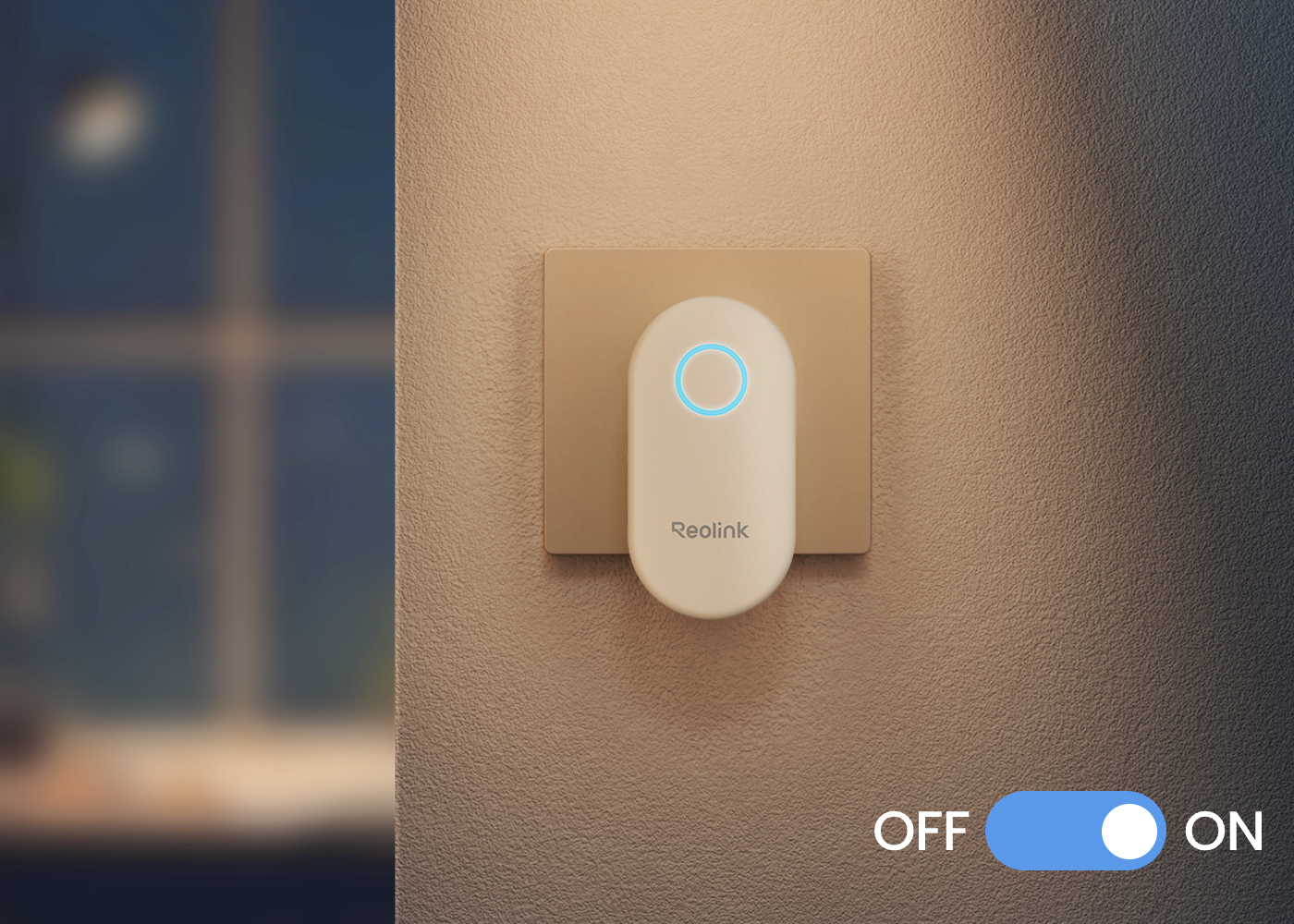
Plug the chime into a power socket. Once plugged in, confirm that it is receiving power and ready for setup.
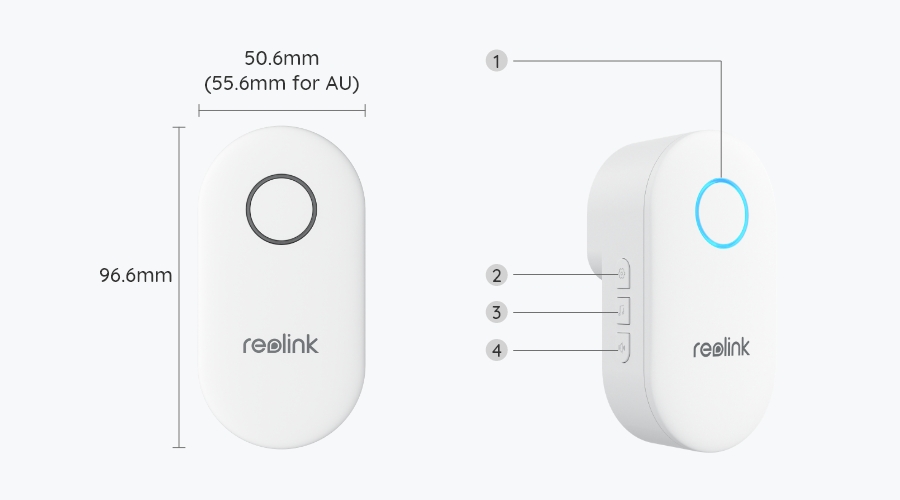
Long press the setting button on the side of the chime, then the chime will emit beep sounds, and the light will turn blue.
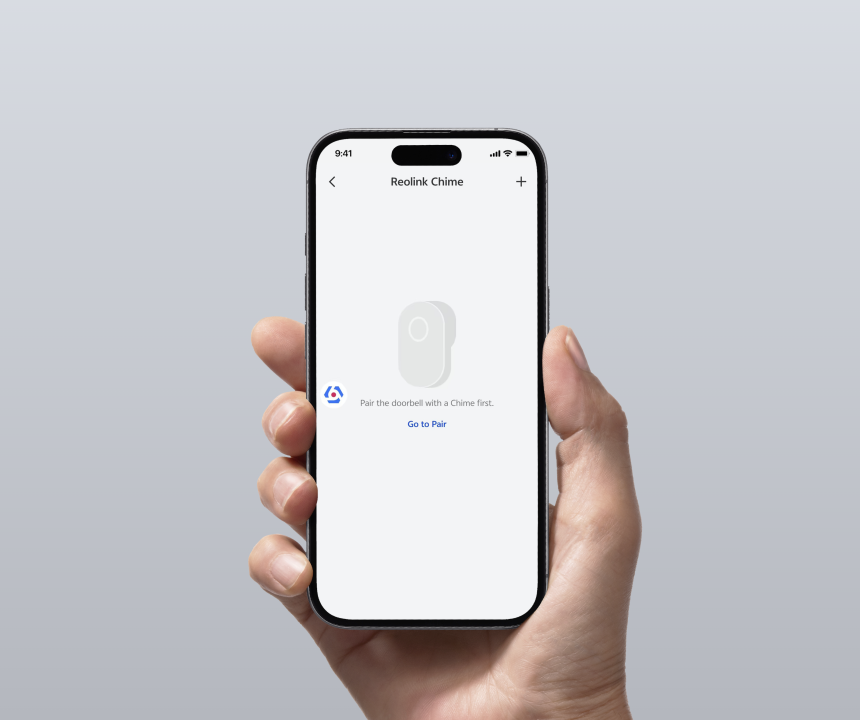
Go to the settings page of the doorbell, and select chime. Then, click the "+" icon and choose the chime you want to pair.
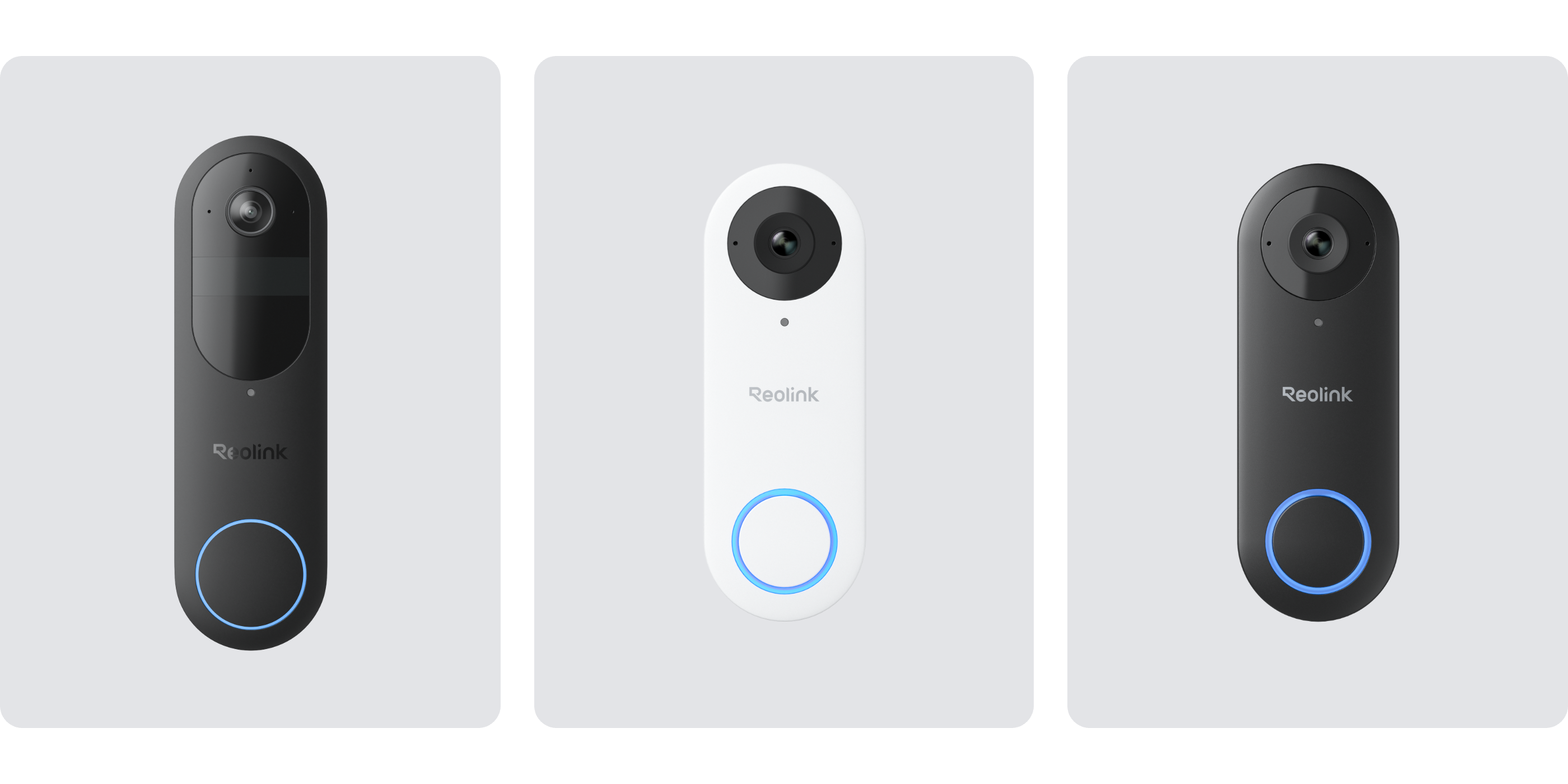
Improve your doorbell experience with Reolink Chime Plus, which offers greater compatibility with Reolink video doorbells than the standard Reolink Chime. It can work well with almost all Reolink doorbells, including the newly released Reolink Video Doorbell (2nd Gen), but excluding the Reolink Video Doorbell PoE/WiFi V1 Version. Pair it with a Reolink video doorbell for seamless integration and top-notch performance
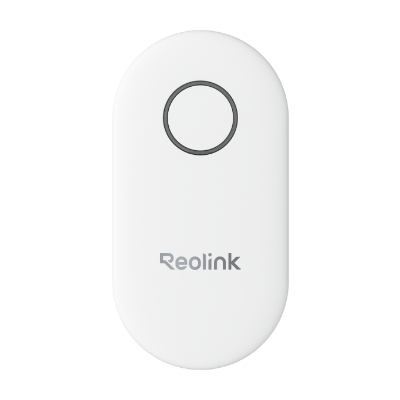 Reolink Chime ×1



Be Prepared, Be Ahead
Never miss Reolink hot deals, news, and updates tailored for you.
Be Prepared, Be Ahead
Never miss Reolink hot deals, news, and updates tailored for you.

Google, Google Play, Google Assistant and related marks and logos are trademarks of Google LLC. Amazon, Alexa and all related logos are trademarks of Amazon.com, Inc. or its affiliates. Mac and Safari are trademarks of Apple Inc. App Store is a service mark of Apple Inc., registered in the U.S. and other countries. Firefox and the Firefox logo are trademarks of the Mozilla Foundation in the U.S. and other countries. Other product and company names mentioned herein may be trademarks of their respective companies.