Your cart is empty.

12MP UHD PoE Security System with Local AI Video Search
12MP UHD & Color Night Vision
AI Video Search
Perimeter Protection
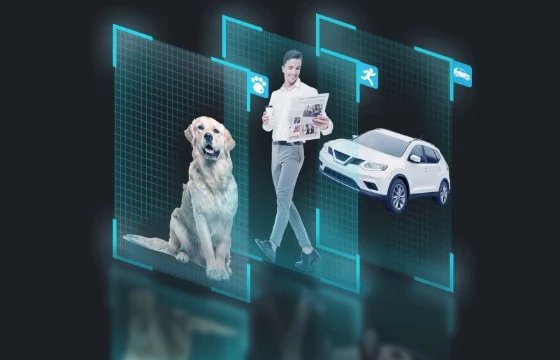
Person/Vehicle/Animal Detection
24CH NVR with 16 PoE Ports & 4TB HDD
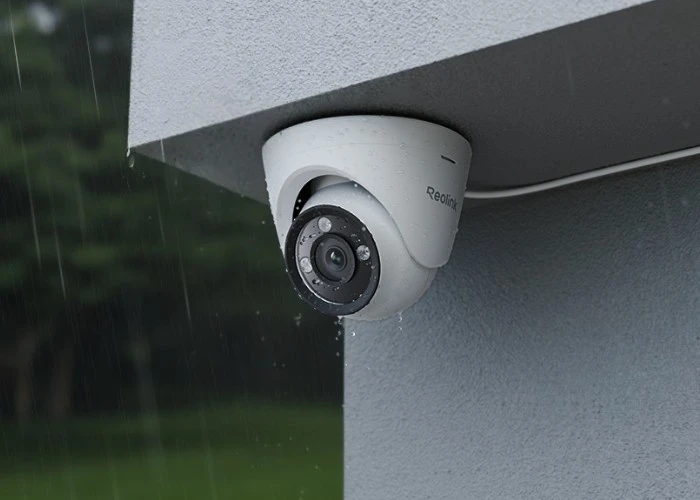
The UHD feature provides you with as much detail as possible without missing a corner. The system supports spotlight night vision and black & white night vision to ensure you can see anything clearly in the frames, whether in the daytime or at night. When the ambient brightness is low at night, AI-ISP will be automatically turned on to make the frames brighter and clearer. Then you can distinguish whether the person in the frame is wearing a T-shirt with a red logo or a blue one.

Save your time, react sooner and respond faster. Instead of scrolling a large number of videos, you can locate and find the recorded videos you want by entering some descriptive words such as "person in blue" or "yellow dog" to get the relevant targets easilier and sooner with no monthly fee.

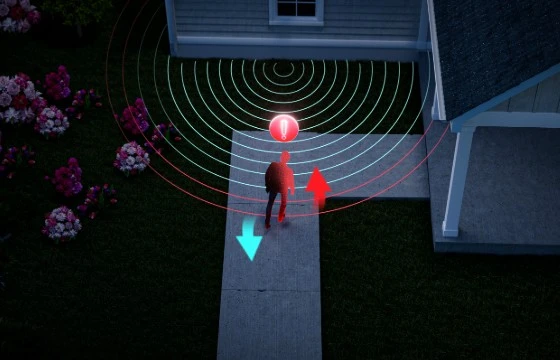
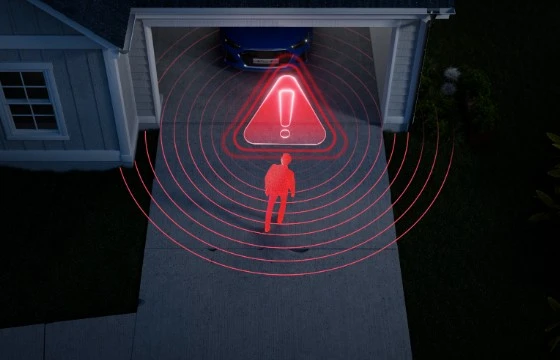
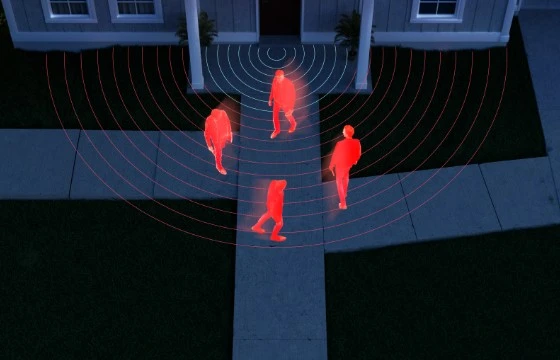
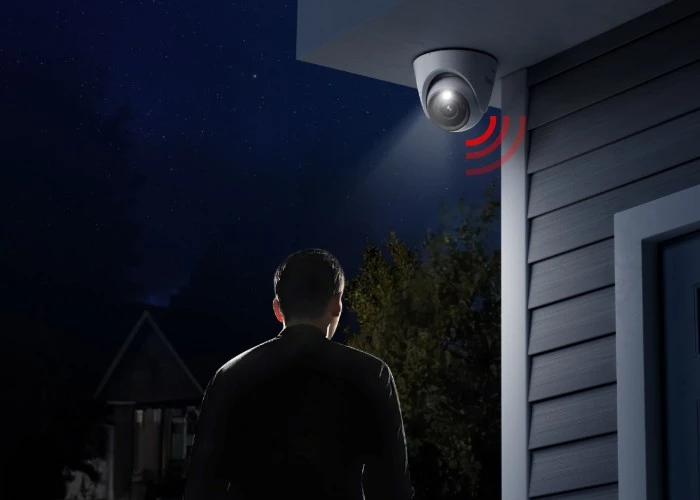
Various detection categories make it more precise. The security system supports not only person/vehicle/animal detection but perimeter protection. Perimeter protection, which includes Line Crossing Alert, Zone Intrusion Alert and Zone Loitering Alert, enables you to customize the detection boundaries and detection events to reduce false alarms. The alarm triggered will be sent to you through push notifications or emails.
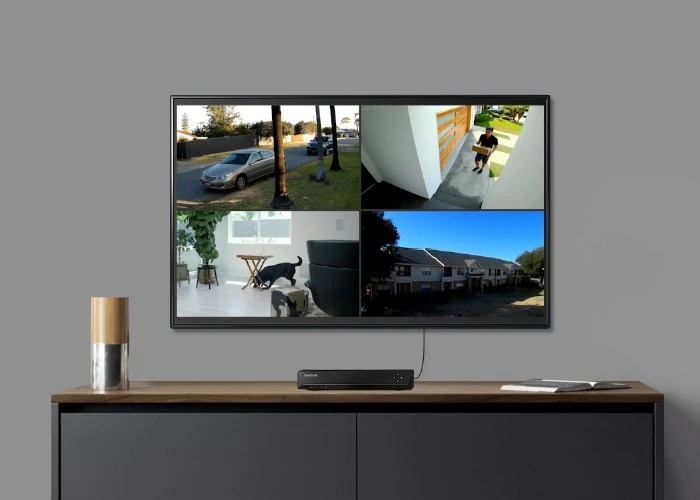
The system offers you comprehensive protection with its cameras and control interface. In a single interface, you can manage up to 24 cameras.

16 Channels
Expandable to 24 channels*
Heatmap Analysis
Applicable to business scenarios
4TB HDD Pre-installed
Up to 16TB HDD
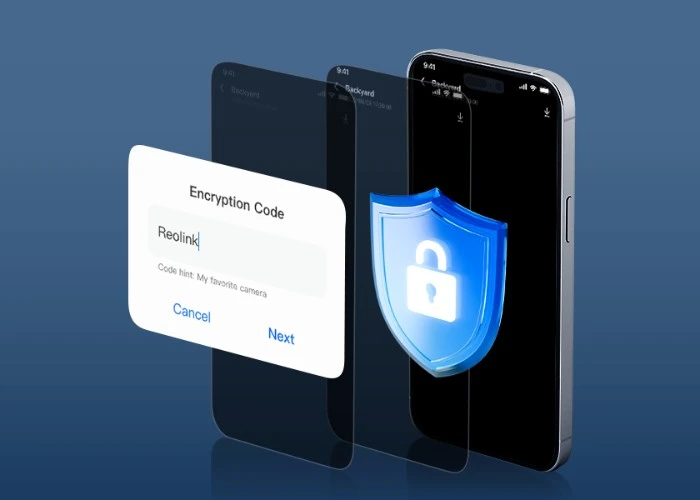
The heatmap feature can generate a map with colors showing foot traffic. It visualizes the frequency and duration of people's behaviors, so it might be a better choice to apply it in business and retail scenarios, such as store display optimization and promotional activity analysis.

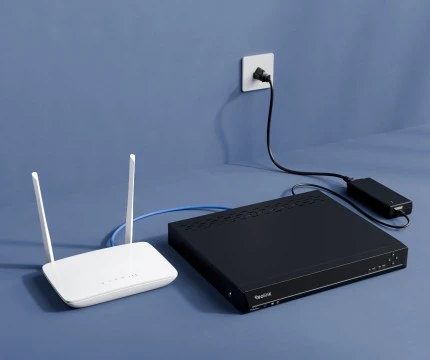
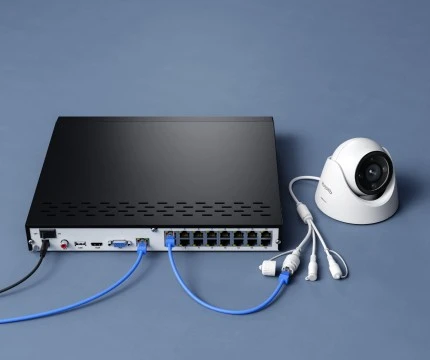
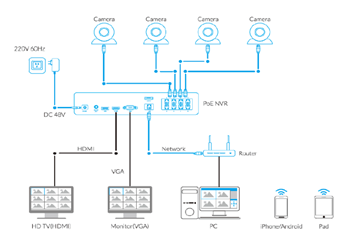
You can finish the setup procedure on your own as it is a plug-and-play PoE system. You don't have to power cameras one by one.
Connect the NVR to the power supply and then to your router.
Connect the NVR to cameras with network cables.
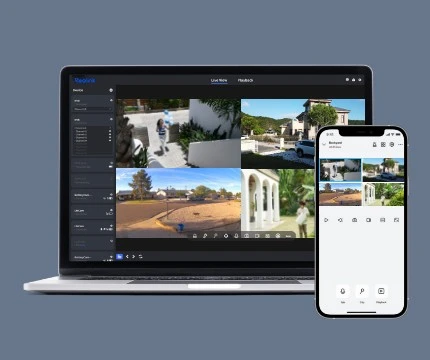
Use the Reolink App to scan the NVR UID code to get the live view.
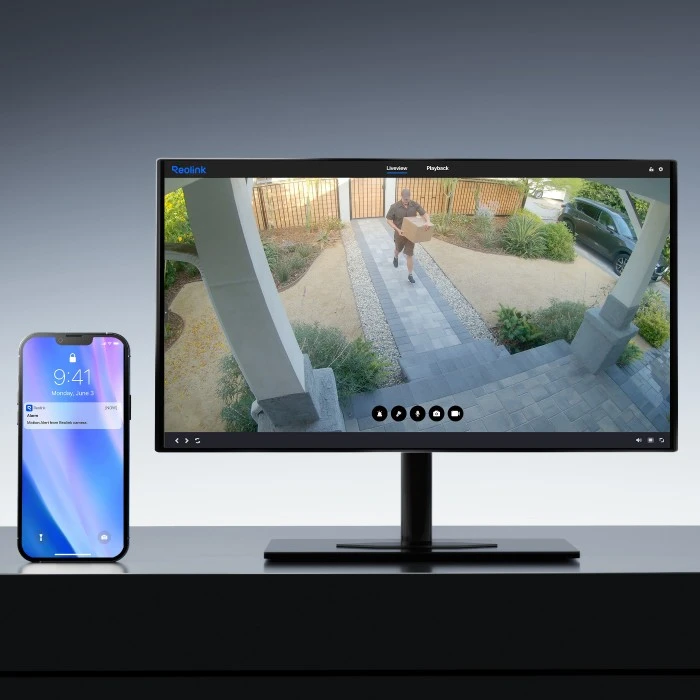
Cameras protect your property all the time. Once the detection is triggered, your cameras will inform you by push notifications or by email.
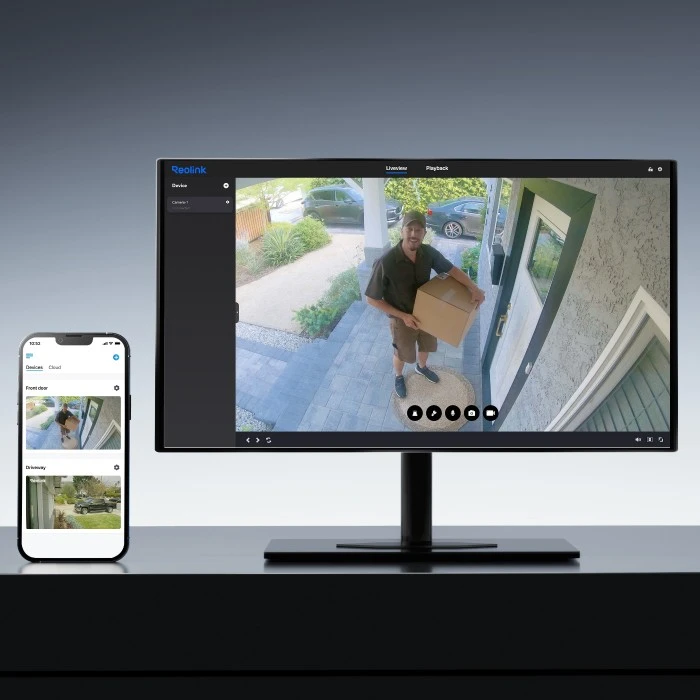
Get the live view of all the cameras on the App or Reolink Client. You can know what is happening wherever or whenever you are.
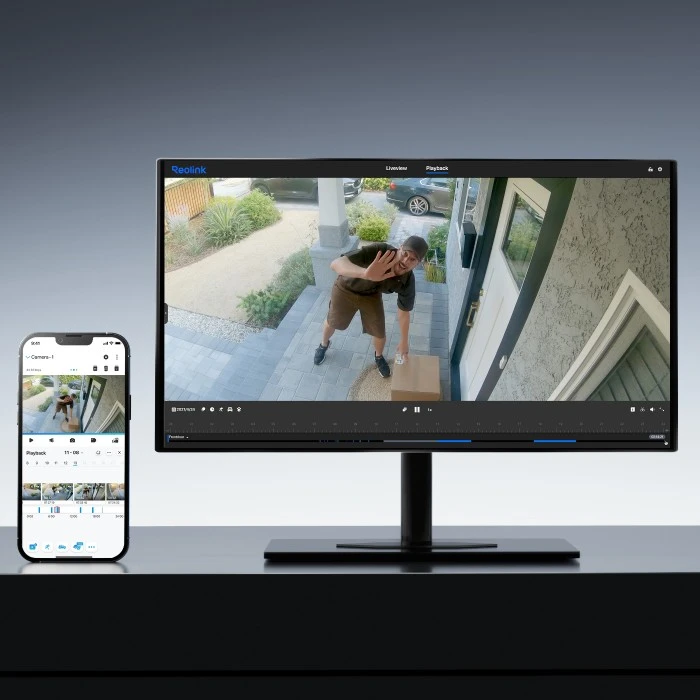
You can review the whole video recorded. But with smart playback, you can choose filters such as animal detection to quickly locate the video progress bar to find the videos you want.
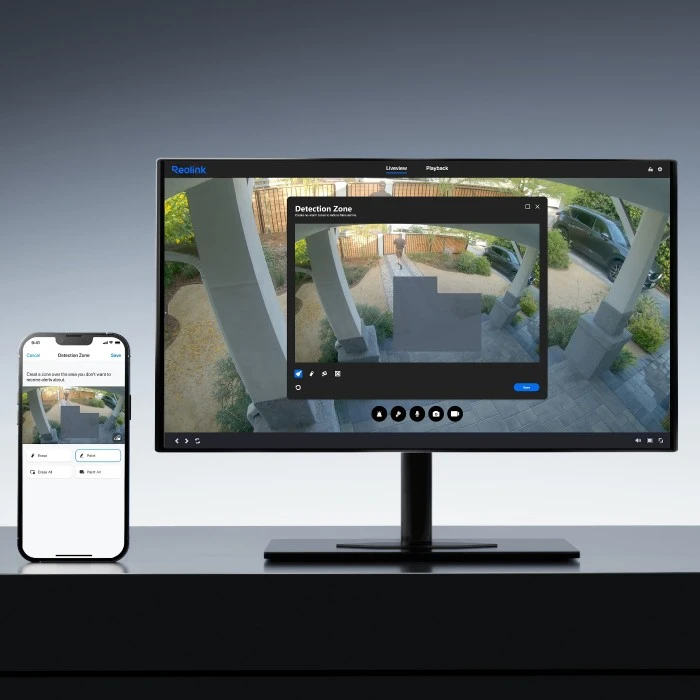
To avoid too much unnecessary recording, you can set detection zones. Once any motion happens in this specific zone, cameras start recording.
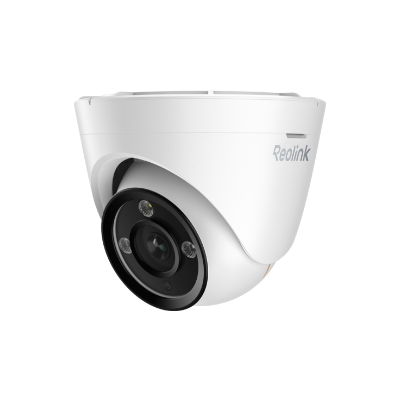 D1200 ×8
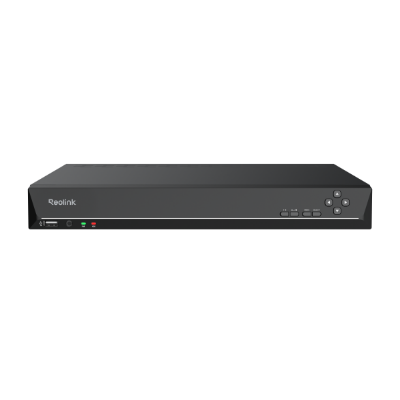 RLN16-410 ×1
 NVR Power Adapter ×1
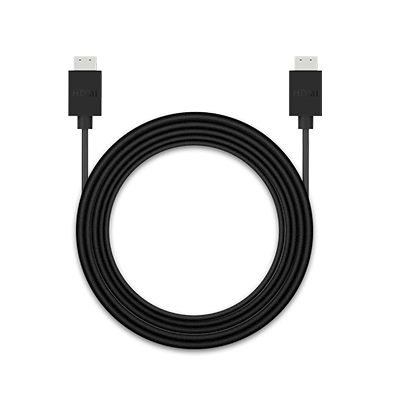 HDMI Cable ×1
 USB Mouse ×1
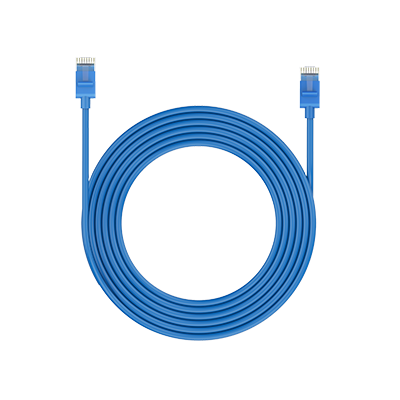 1m Network Cable ×1
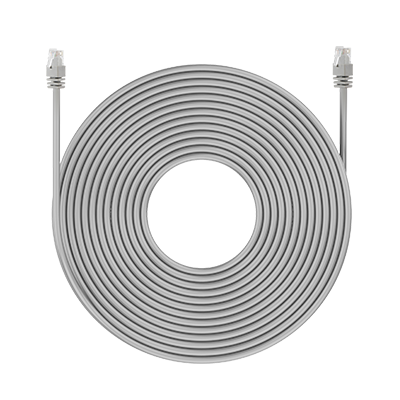 18m Network Cable ×8



Be Prepared, Be Ahead
Never miss Reolink hot deals, news, and updates tailored for you.
Be Prepared, Be Ahead
Never miss Reolink hot deals, news, and updates tailored for you.



Google, Google Play, Google Assistant and related marks and logos are trademarks of Google LLC. Amazon, Alexa and all related logos are trademarks of Amazon.com, Inc. or its affiliates. Mac and Safari are trademarks of Apple Inc. App Store is a service mark of Apple Inc., registered in the U.S. and other countries. Firefox and the Firefox logo are trademarks of the Mozilla Foundation in the U.S. and other countries. Other product and company names mentioned herein may be trademarks of their respective companies.


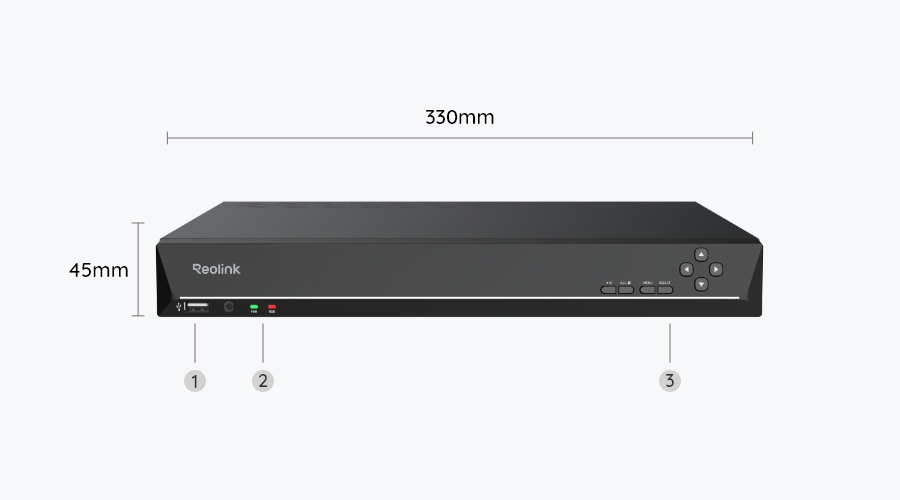
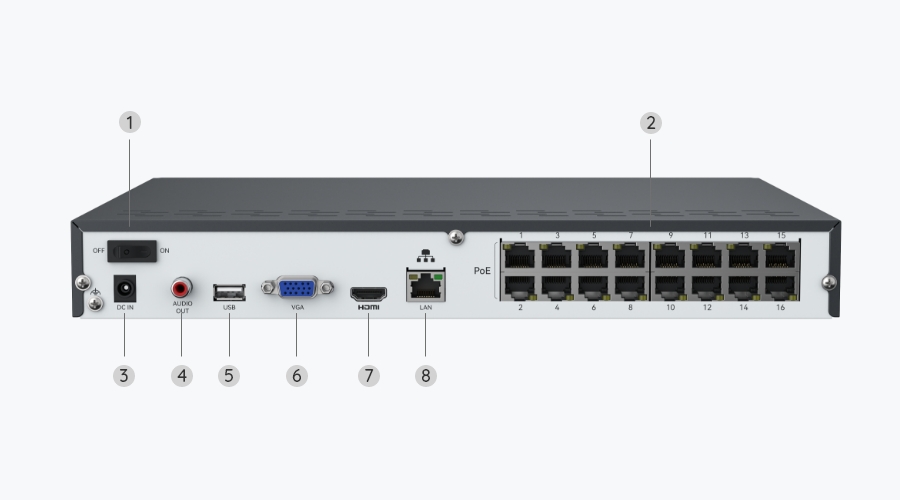
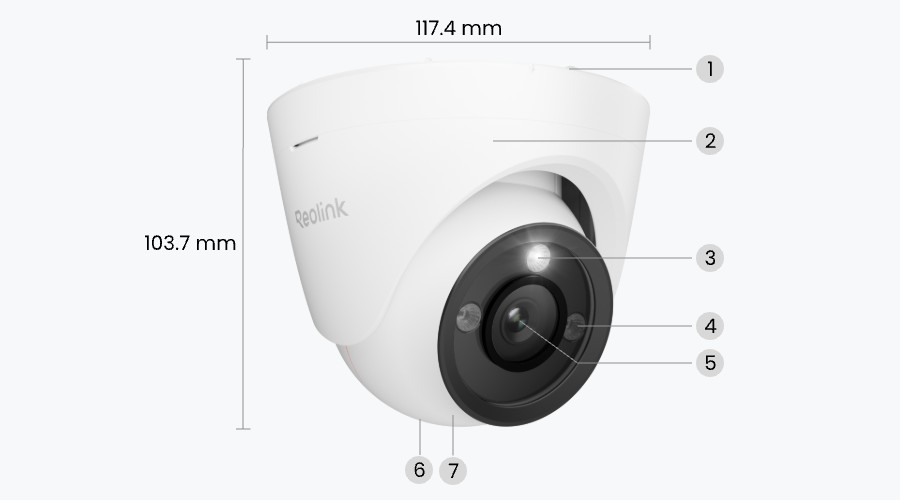
.jpg)
Only show reviews for current product
No Reviews yet... Be the First to leave a comment!