Your cart is empty.
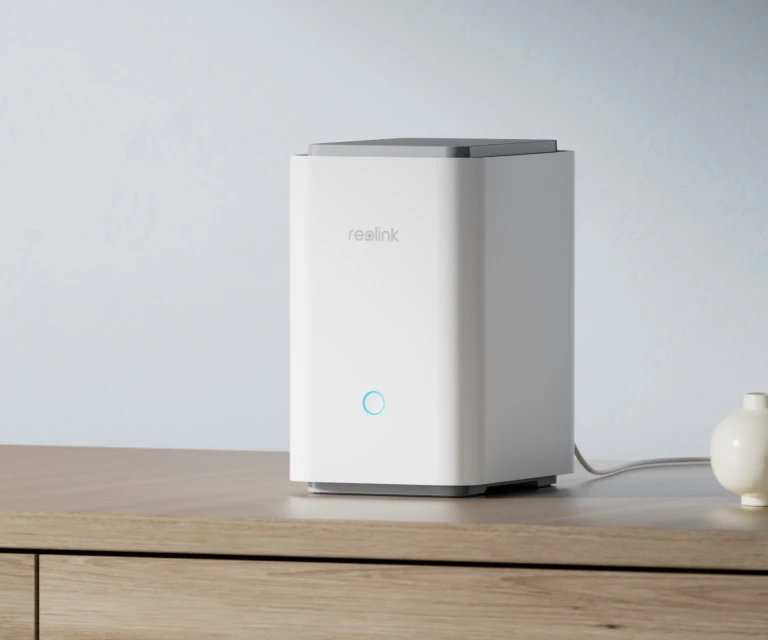
Wi-Fi 6 Wireless Security Center With Centralized Management
Wi-Fi 6 Ready
Up to 12 Reolink Cams Supported
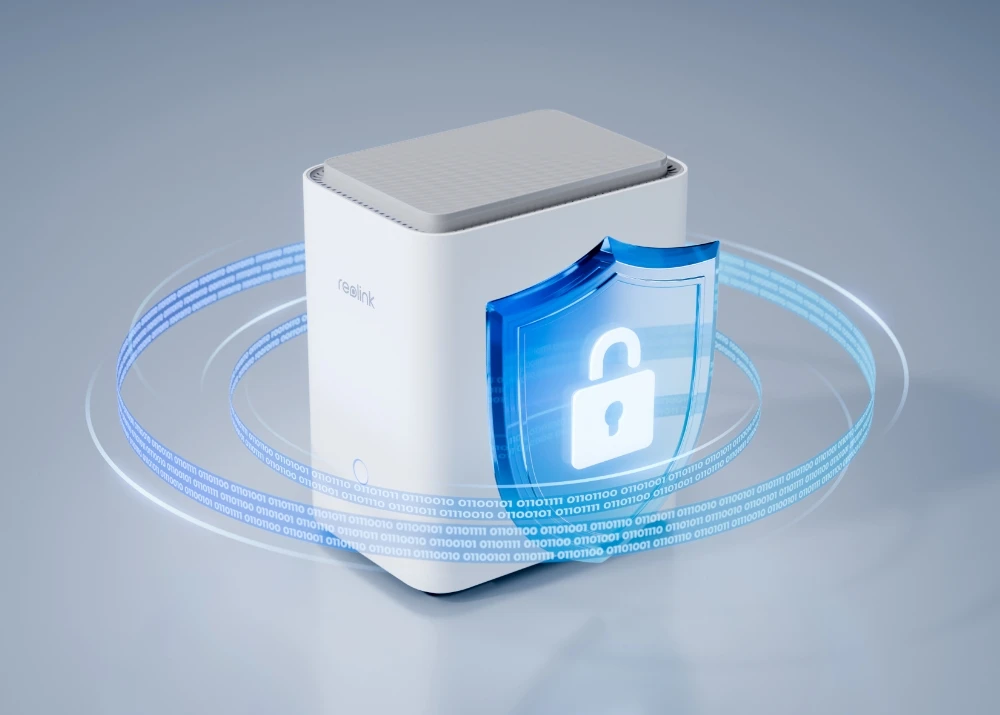
Encrypted Local Storage Without Fees
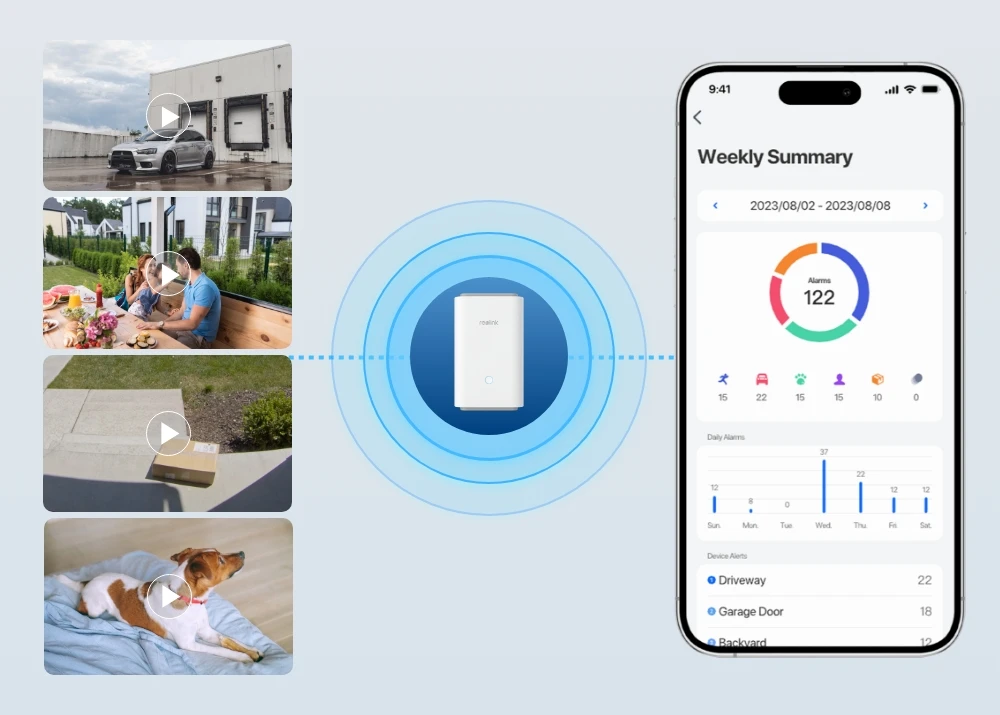
Centralized Data Management
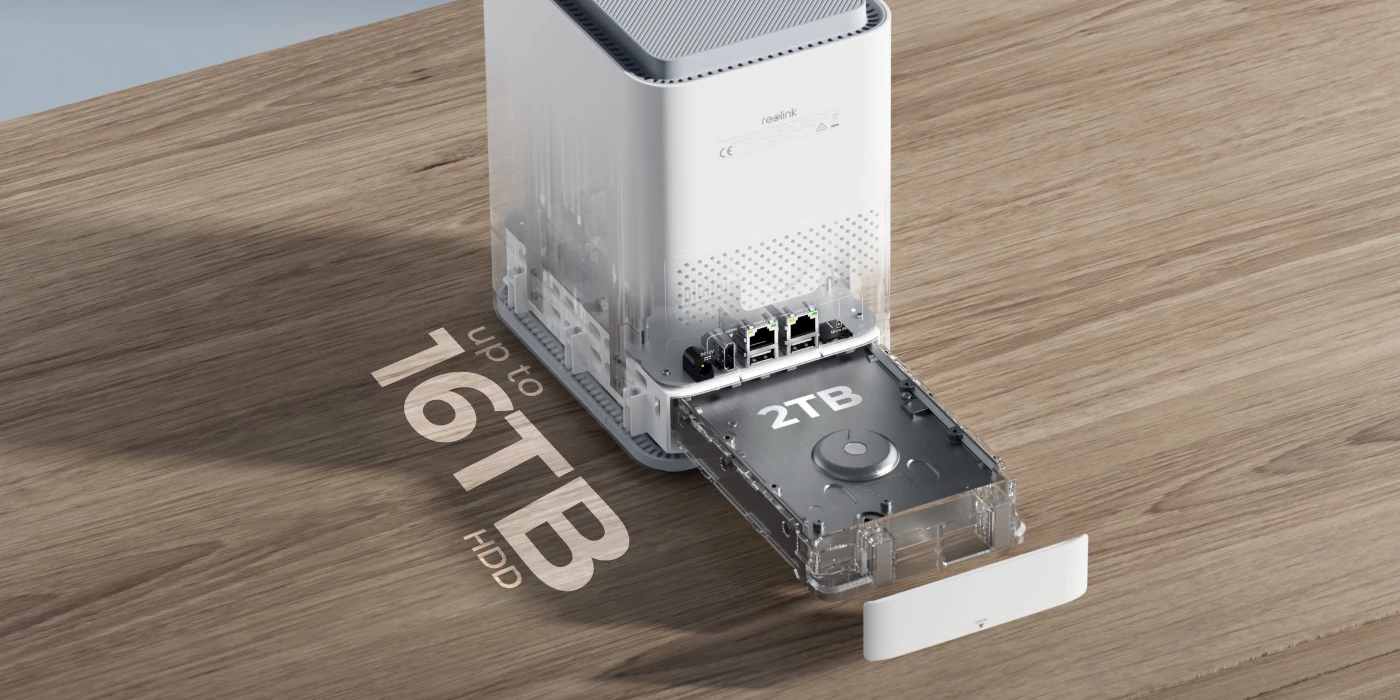
Record every second locally on the Home Hub Pro. With a built-in 2TB HDD*, it offers ample storage without recurring costs. Need more space? Easily expand your storage with an HDD up to 16TB. Rest easy knowing your home is under watchful eyes 24/7.
*Available in two options, with or without a 2TB HDD.
Streamline your security with this centralized solution. Seamlessly integrating with a wide range of cameras, the Reolink Home Hub Pro efficiently manage your Reolink devices and footage across multiple channels from a single interface.
* Reolink Home Hub Series products are currently compatible with all Reolink PoE cameras, Plug-in Wi-Fi cameras, and most recently released battery Wi-Fi cameras except 2MP battery cameras and 4G cameras.
Check compatible Reolink cameras>
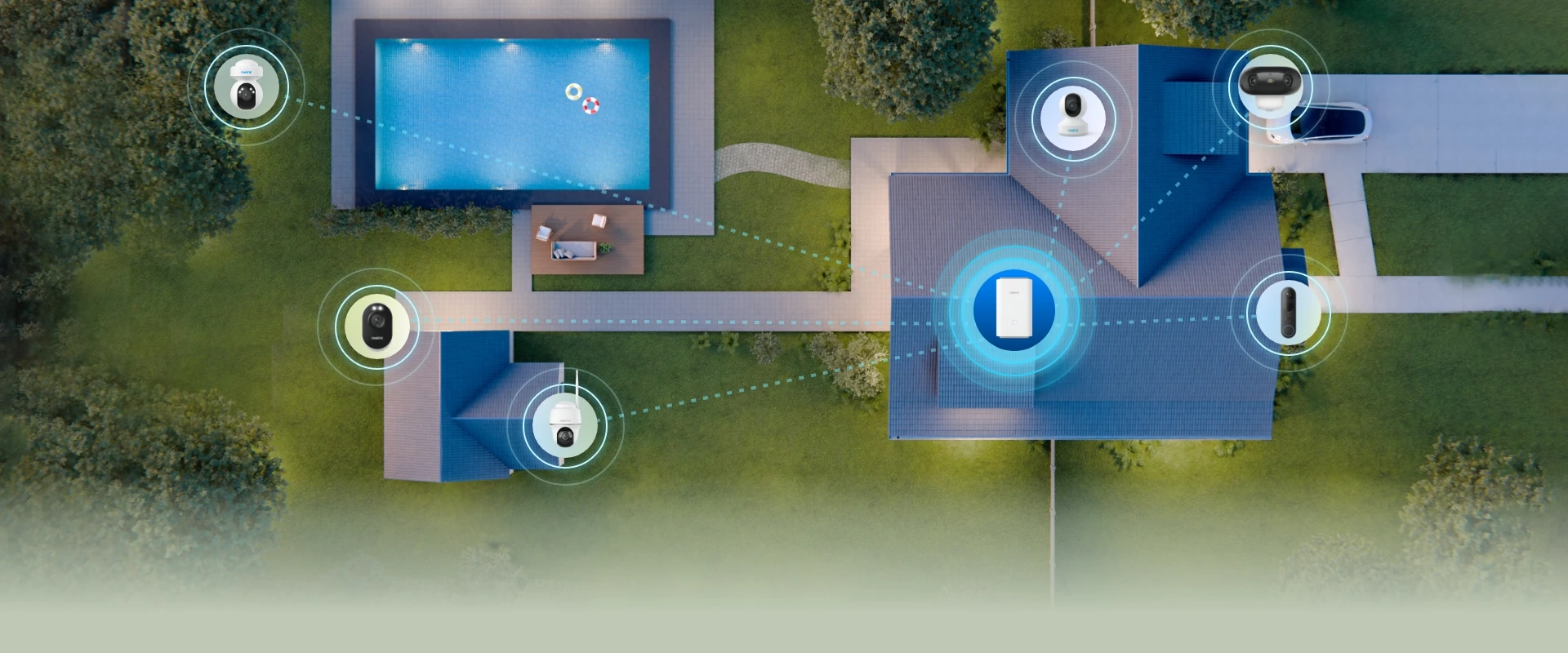
Up to 12 Cams
Up to 12 PoE & Plug-in Cams
Up to 16MP
Live View & Playback
Wi-Fi 6 Ready
5/2.4 GHz Frequency & Wi-Fi 6
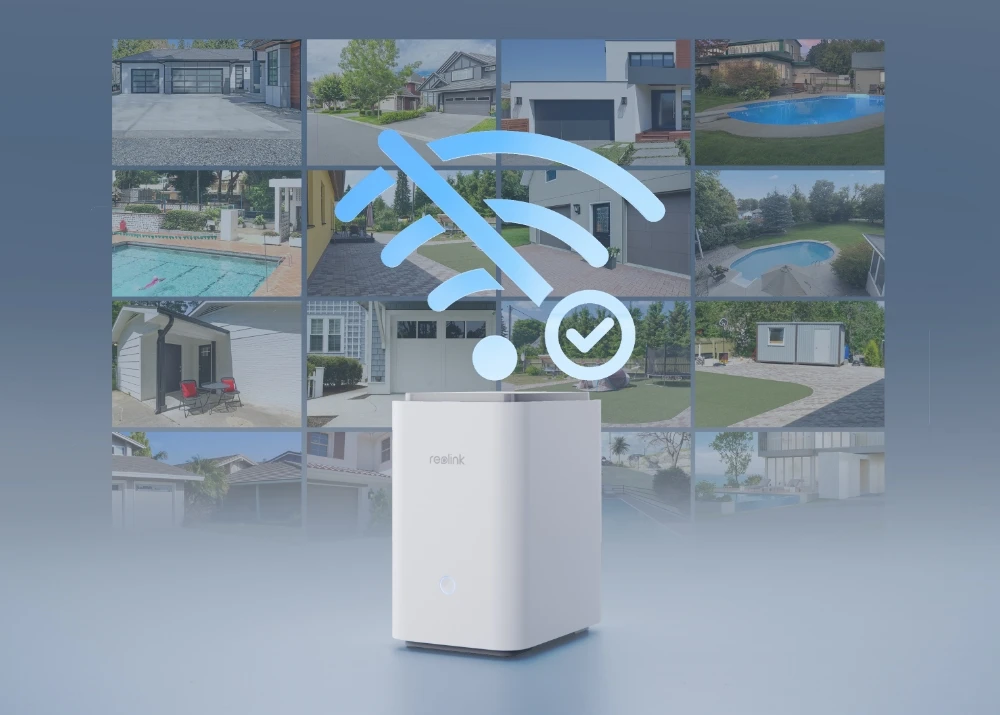
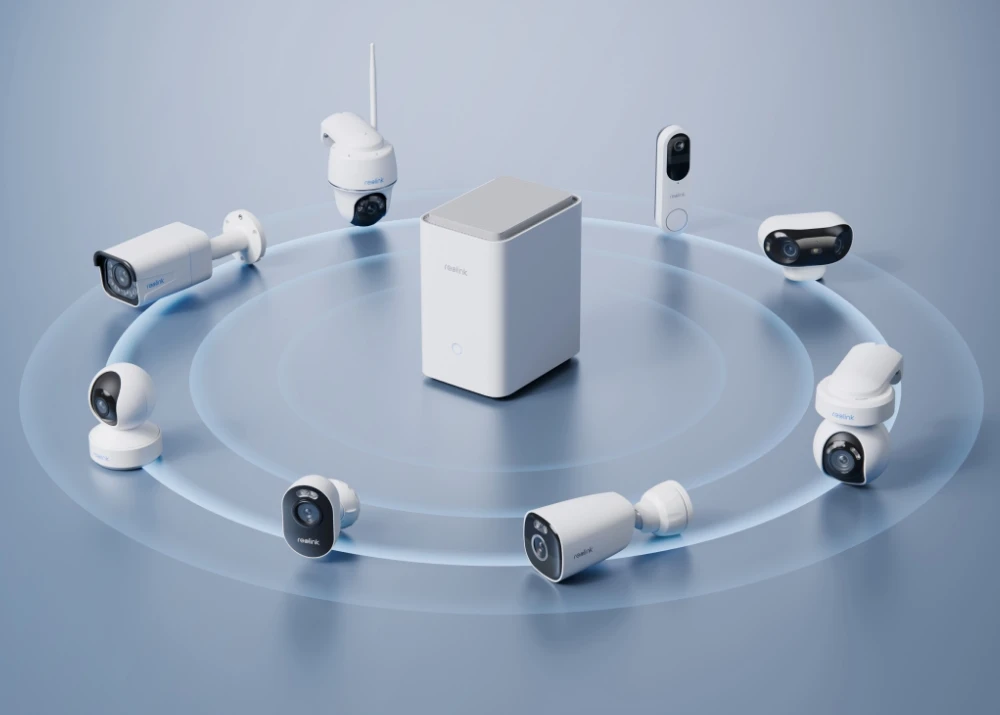
Unlock top-tier connectivity with Wi-Fi 6 support. Pair with Reolink Wi-Fi 6 cameras for seamless, lag-free data transmission and live streaming and enjoy up to 1000 square meters* of signal coverage.

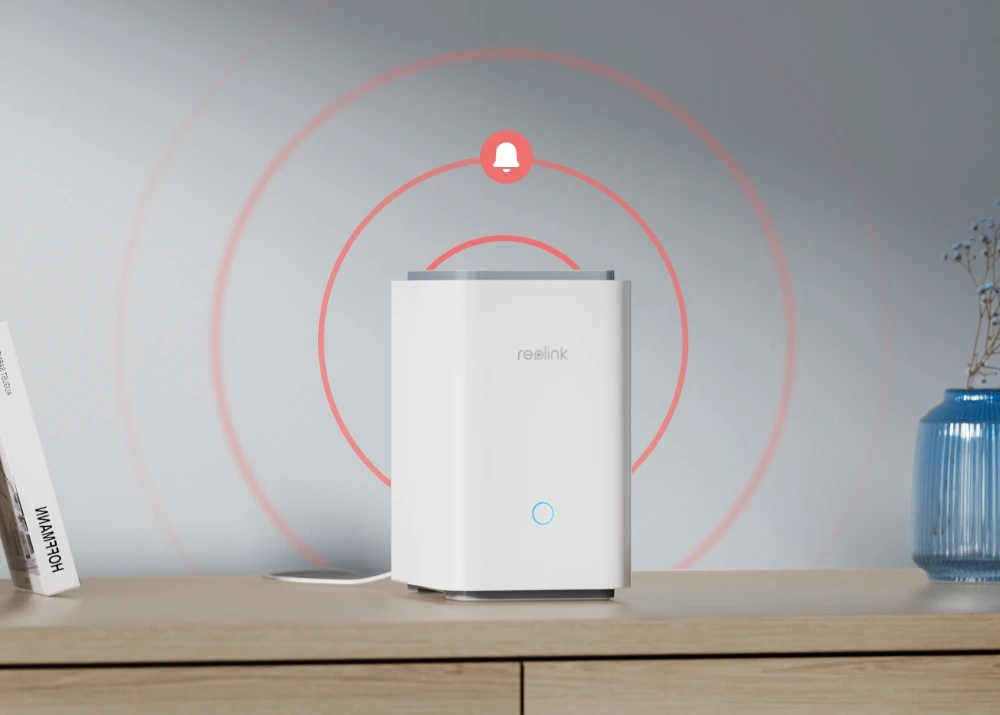

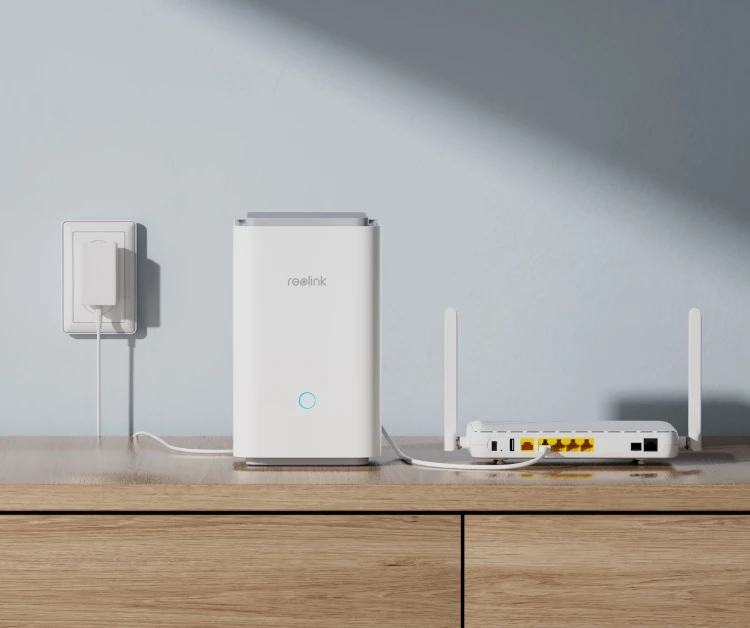
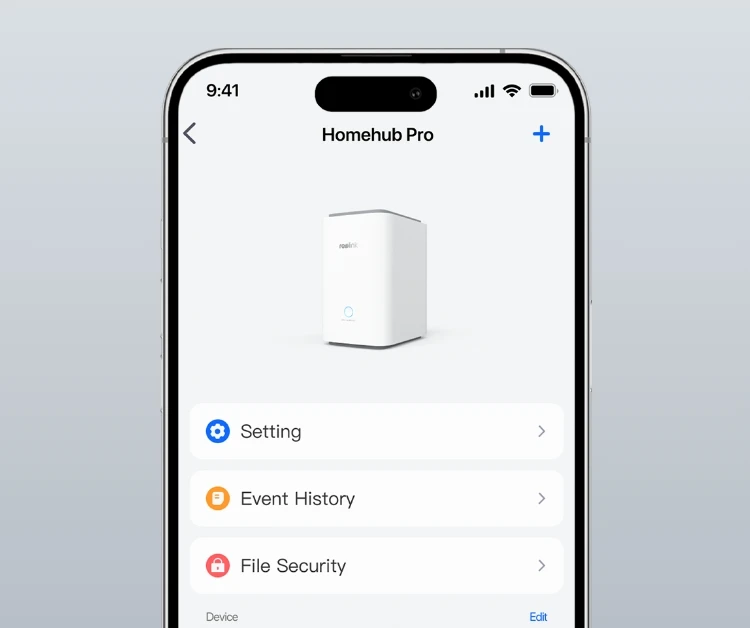
Connect the Reolink Home Hub Pro to the power supply, then to your home router via an Ethernet cable.
Configure the Home Hub Pro with the Reolink App and add devices to it.
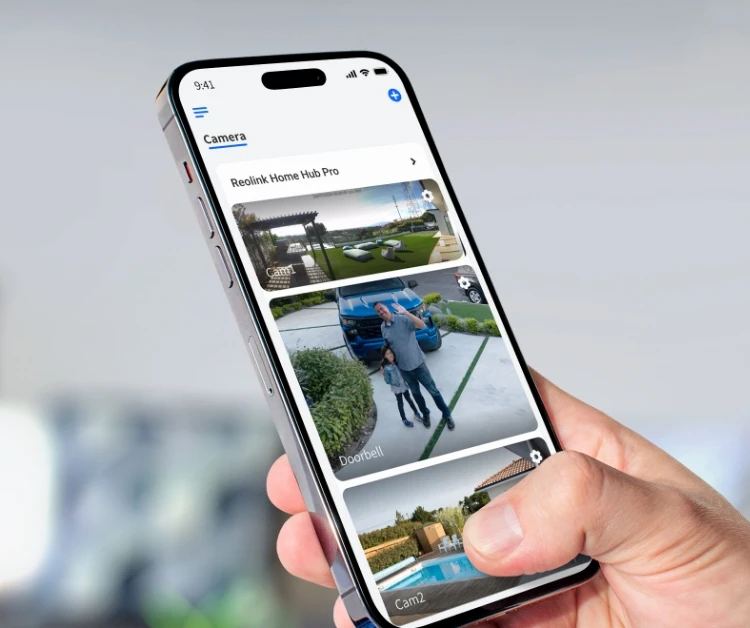
Access your cameras and view live feed in the Reolink App.
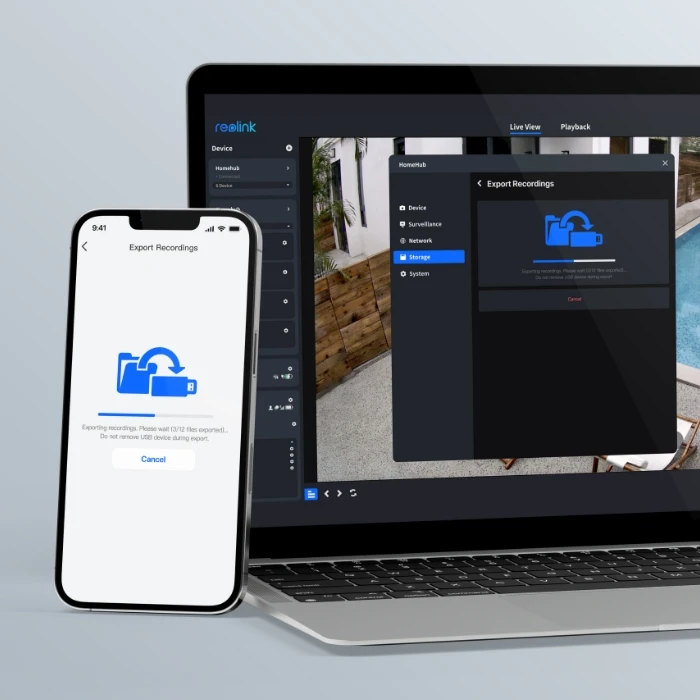
The Reolink Home Hub Pro supports exporting videos to external USB drives, offering multiple secure backup options for your recordings.
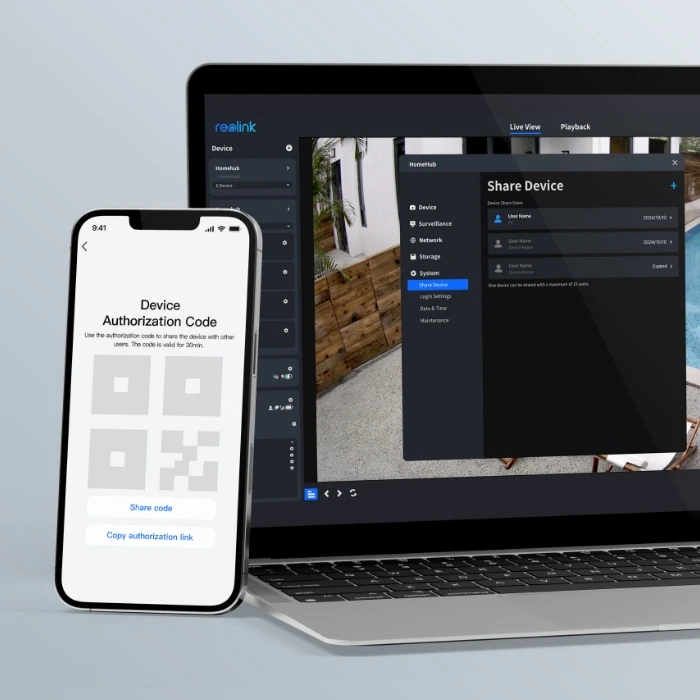
Easily customize preview, playback, and management permissions for multiple users, and share permissions via QR codes.
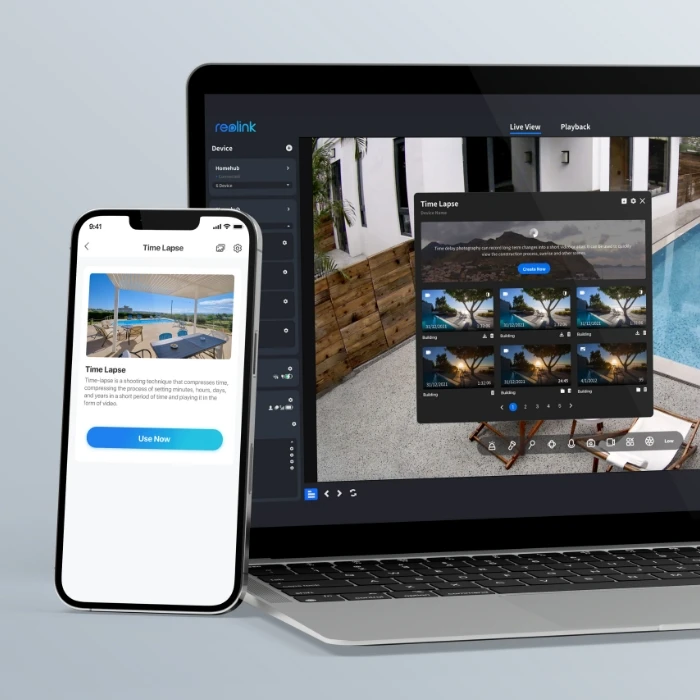
With the timelapse feature, you can explore a magical world where long-term events, like sunrises and construction projects, unfold in just minutes or seconds.

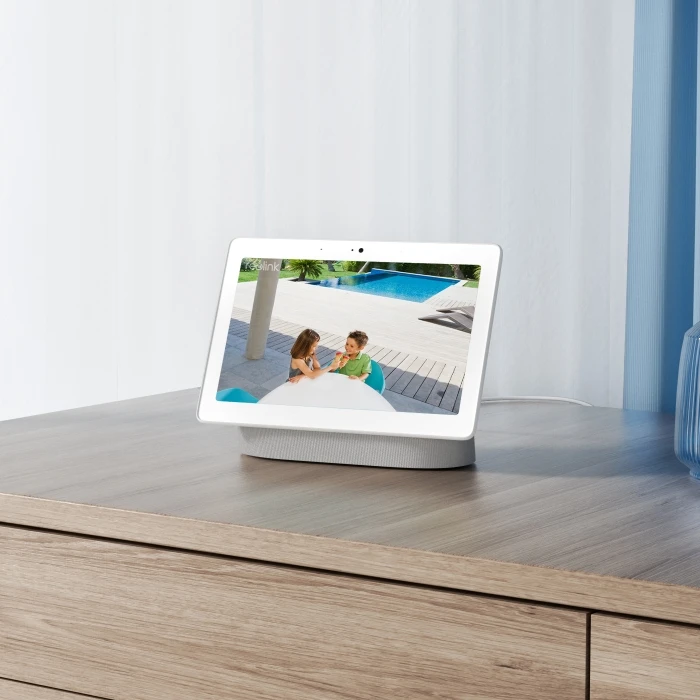
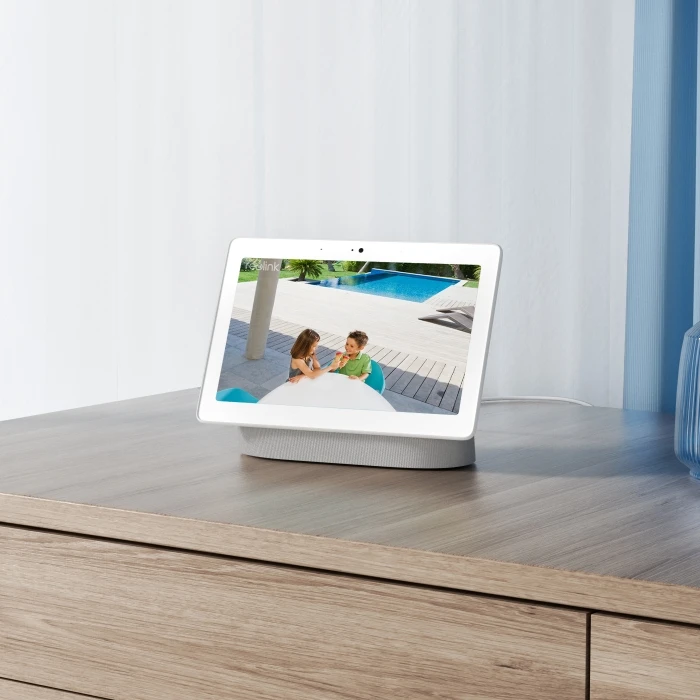
As easy as saying "Hey Google, show me the Front Door", you can check what's happening there on your Google Nest Hub or Chromecast-enabled TVs.
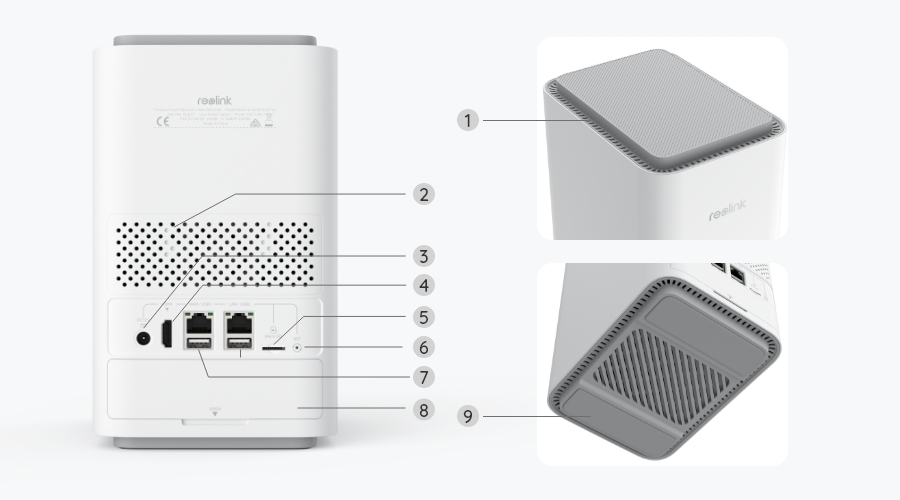
The Reolink Home Hub Pro is better for larger security setups, as it supports up to 24 cameras, includes a 2TB HDD expandable up to 16TB, and adds HDMI and USB ports. The standard Home Hub is better for smaller setups, supporting up to 8 cameras with microSD storage up to 1TB × 2. Both support compatible Reolink PoE, Wi-Fi, and battery-powered cameras, so the better choice mainly depends on the number of cameras and storage you need.
No. The Reolink Home Hub Pro does not require a subscription or monthly fee. It stores recordings locally on its built-in HDD and supports features such as real-time alerts, remote access, live viewing, and playback without recurring charges. Cameras added to the Reolink Home Hub series do not use Reolink Cloud service.
A Reolink Home Hub is most useful when you have several Reolink cameras and want to store and manage their footage in one place. For example, you can have cameras at the front door, driveway, garden, and garage, while keeping their recordings centrally on the Home Hub indoors instead of relying only on storage inside each camera.
It is particularly useful for battery-powered camera setups, where running Ethernet cables to an NVR may not be practical. The Home Hub can also bring compatible PoE, plug-in Wi-Fi, and battery Wi-Fi cameras into one system, with local encrypted storage and no monthly storage fee.
The Reolink Home Hub Pro itself should not necessarily slow down your home Wi-Fi, but your camera setup can increase network traffic. For example, multiple Wi-Fi cameras streaming 24/7 video to the Home Hub Pro can consume significant local network bandwidth, which may affect Wi-Fi performance on a congested or limited network. Some users have reported this when enabling continuous recording across several Wi-Fi cameras.
If this happens, check camera signal strength and Wi-Fi channel congestion, or consider connecting suitable cameras via Ethernet/PoE where possible. Reolink also allows users to change the Home Hub's Wi-Fi channel or disable its built-in Wi-Fi when using an existing home network instead.
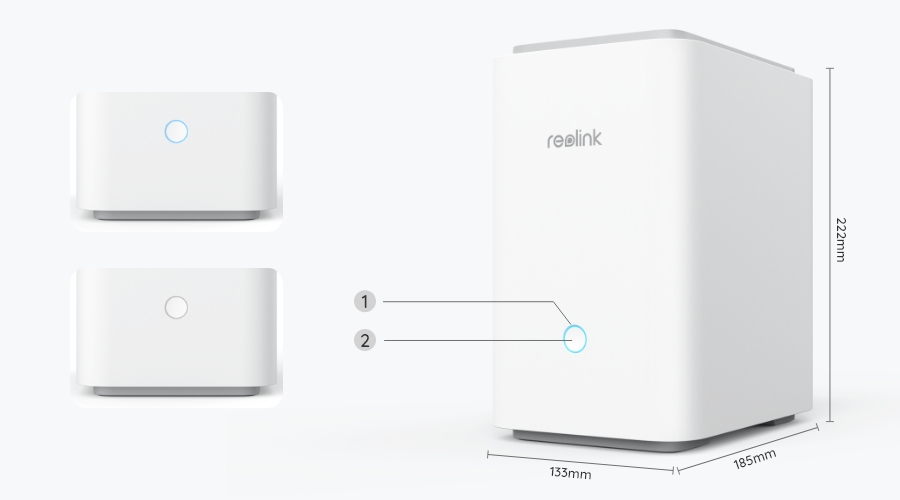
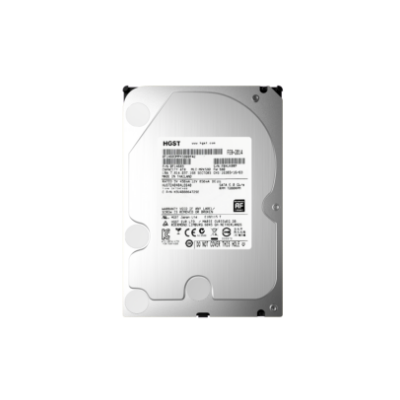 2TB HDD ×1
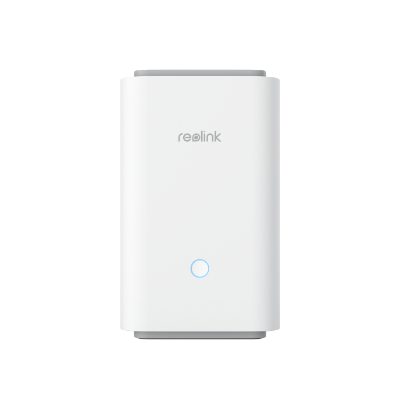 Reolink Home Hub Pro ×1
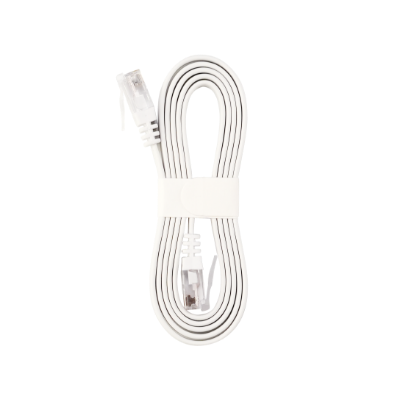 1m Network Cable ×1
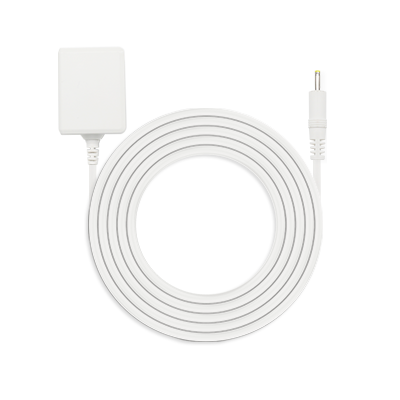 Power Adapter ×1



Be Prepared, Be Ahead
Never miss Reolink hot deals, news, and updates tailored for you.
Be Prepared, Be Ahead
Never miss Reolink hot deals, news, and updates tailored for you.

Google, Google Play, Google Assistant and related marks and logos are trademarks of Google LLC. Amazon, Alexa and all related logos are trademarks of Amazon.com, Inc. or its affiliates. Mac and Safari are trademarks of Apple Inc. App Store is a service mark of Apple Inc., registered in the U.S. and other countries. Firefox and the Firefox logo are trademarks of the Mozilla Foundation in the U.S. and other countries. Other product and company names mentioned herein may be trademarks of their respective companies.